You Know Your Chords. Can You Play Them in Every Position?

You Know Your Chords.
Can You Play Them in Every Position?

Pick a key. See every triad on the fretboard. Hit play. Get unstuck.

Pick a key. See every triad on the fretboard. Hit play. Get unstuck.

250+ guitarists started this week

250+ guitarists started this week

Problem

Problem

Sound familiar?

You've tried YouTube. You've tried CAGED. You're still stuck.

"I've been playing for years but still can't improvise above the 5th fret."

Stuck in first position

"I've been playing for years but still can't improvise above the 5th fret."

Stuck in first position

"I know the pentatonic shapes, but I'm stuck playing the same licks over and over."

Pentatonic plateau

"I know the pentatonic shapes, but I'm stuck playing the same licks over and over."

Pentatonic plateau

"CAGED didn't click. YouTube is overwhelming. I need something focused."

Information overload

"CAGED didn't click. YouTube is overwhelming. I need something focused."

Information overload

"The knowledge is in my head but not on the guitar."

Theory vs. fingers

"I can play songs, but I can't make up my own lines."

Covers vs. creativity

What It Does

What It Does

Everything you need.
Nothing You Don't

Everything you need.
Nothing You Don't

Everything you need.
Nothing You Don't

A focused practice tool: not a course, not a video series. Just structured reps.

Diatonic Progressions
Text Editor

Practice triads in context

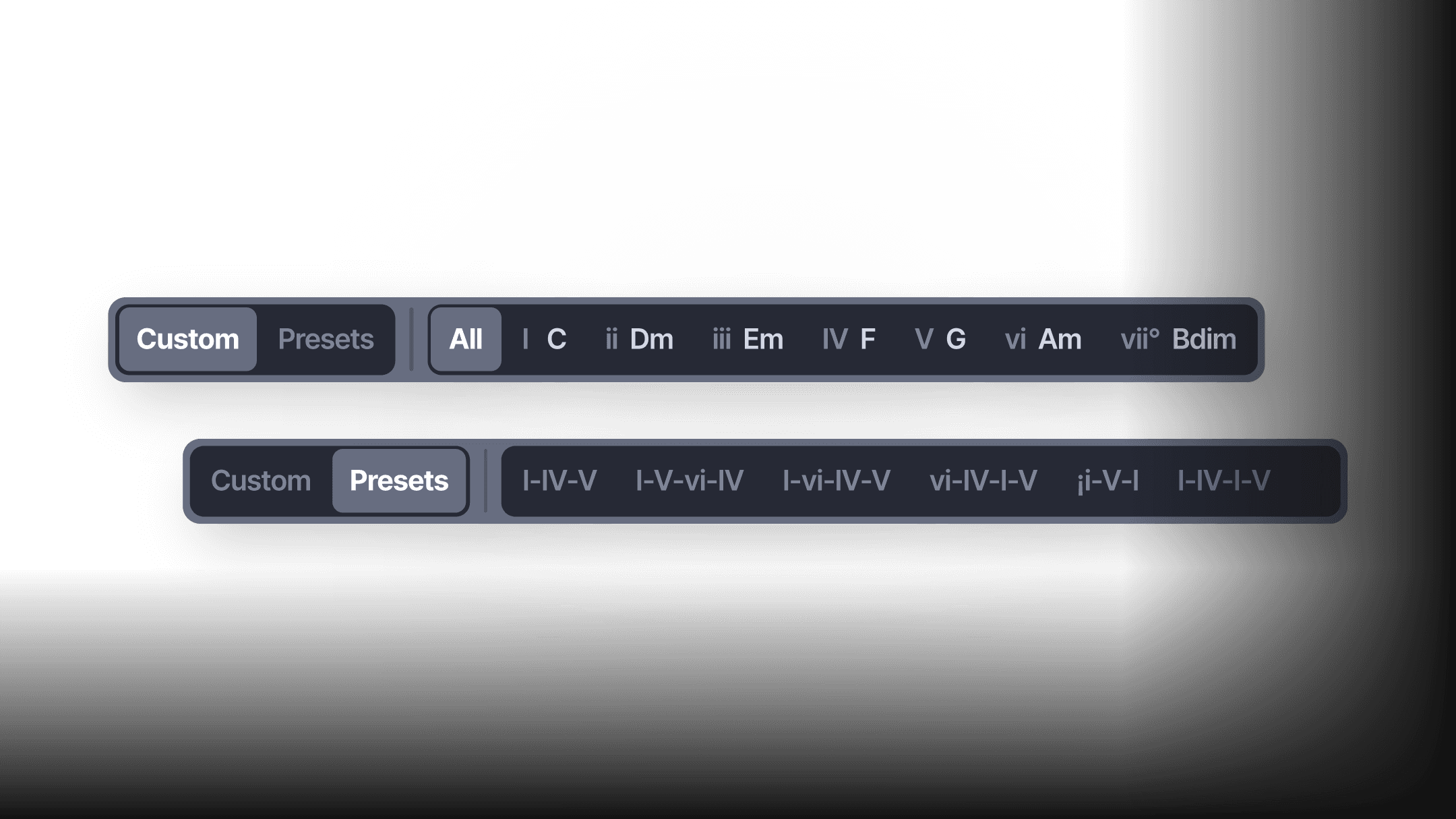
Drill through chord progressions in any key. The app walks you through each chord , so you learn how triads connect, not just how they look in isolation.
Diatonic Progressions

Text Editor

Practice triads in context

Drill through chord progressions in any key. The app walks you through each chord , so you learn how triads connect, not just how they look in isolation.

Triad Practice Mode

Workflow Editor UI

Every shape at your fingertips

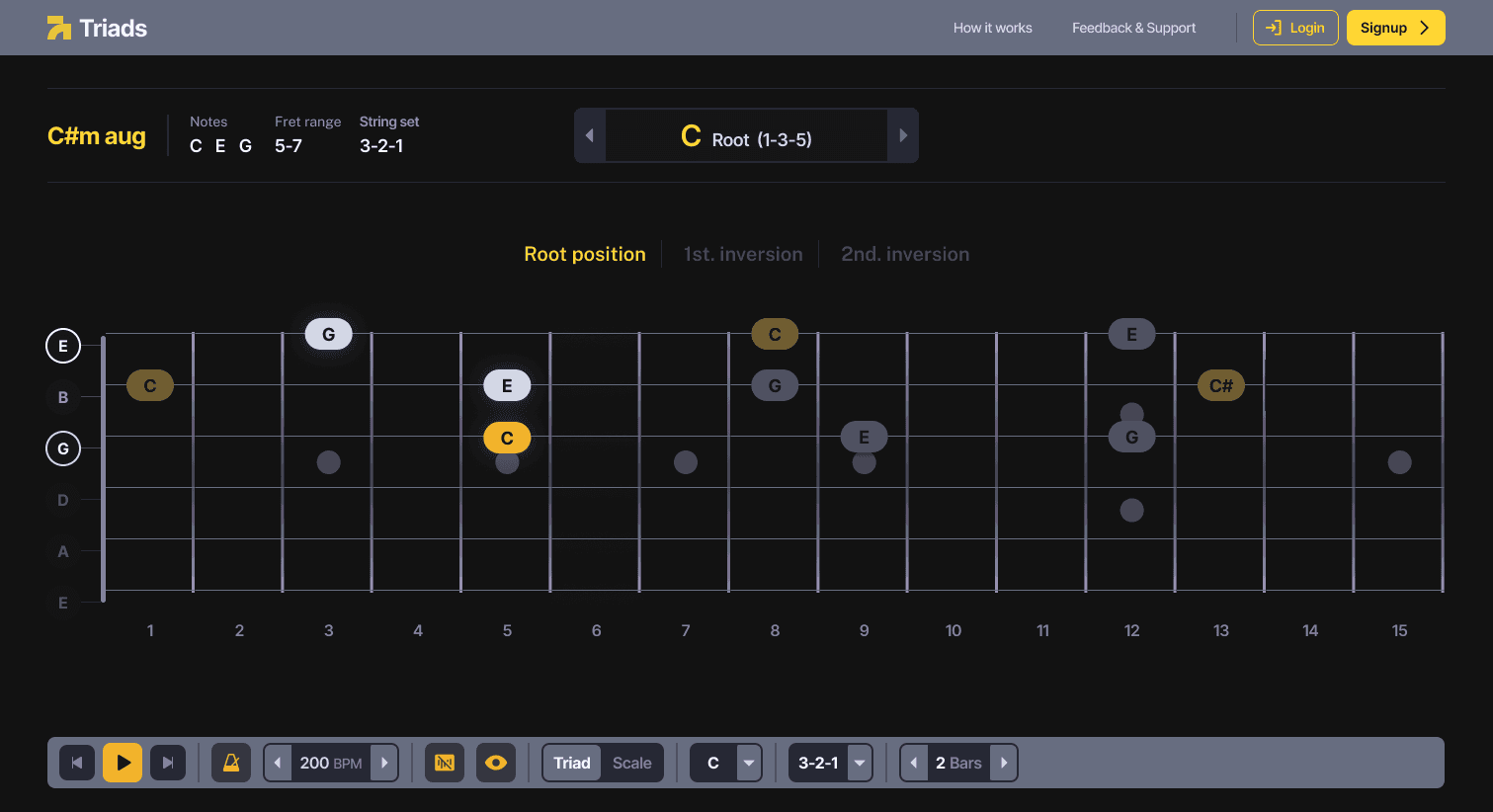
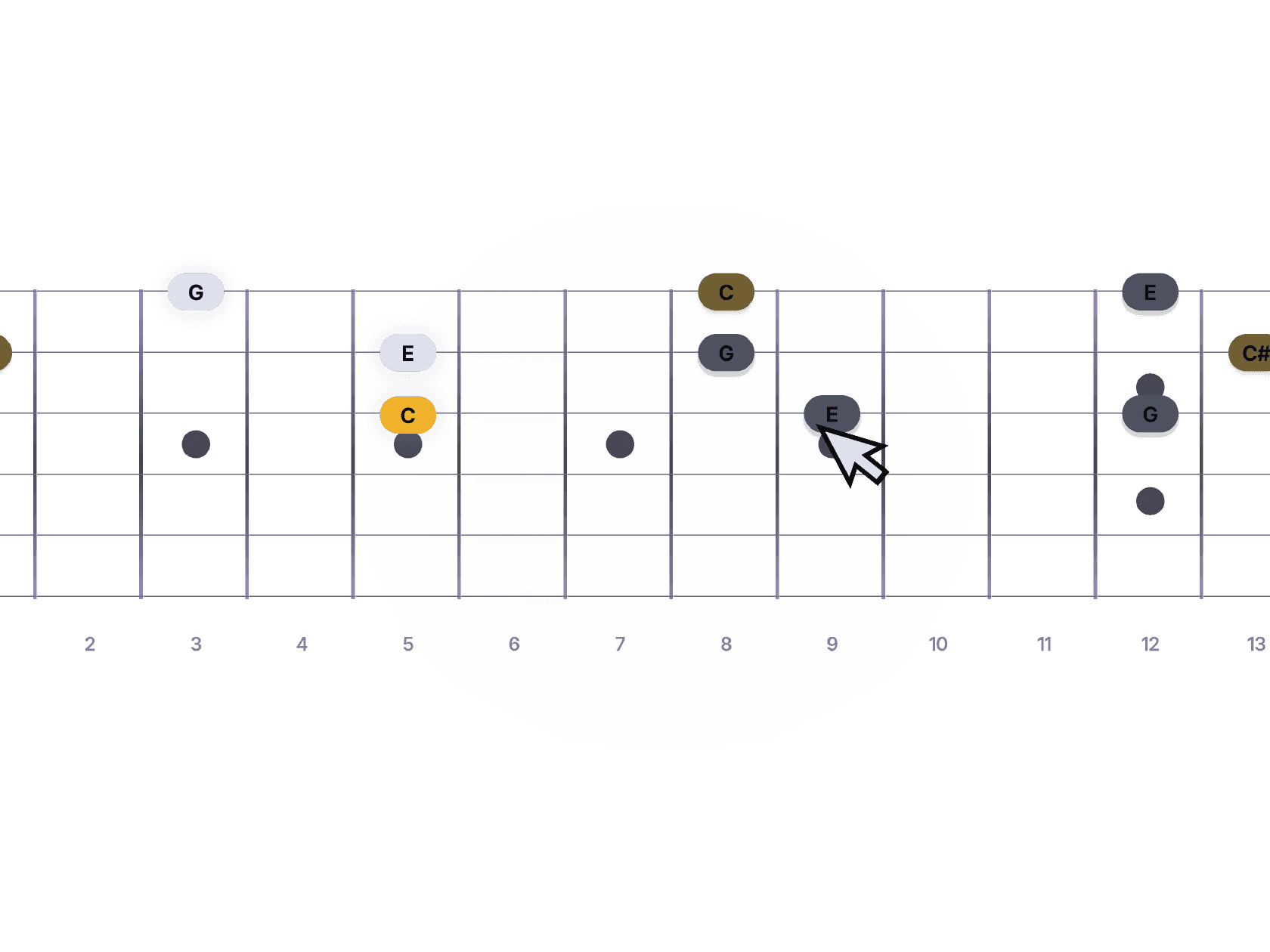
Pick any chord, quality, and string set. See the shape on the fretboard, hear it played with real guitar audio, and cycle through all three inversions at tempo.

Triad Practice Mode

Workflow Editor UI

Every shape at your fingertips

Pick any chord, quality, and string set. See the shape on the fretboard, hear it played with real guitar audio, and cycle through all three inversions at tempo.

All String Sets

Agent Link Illustration

Top strings aren't enough

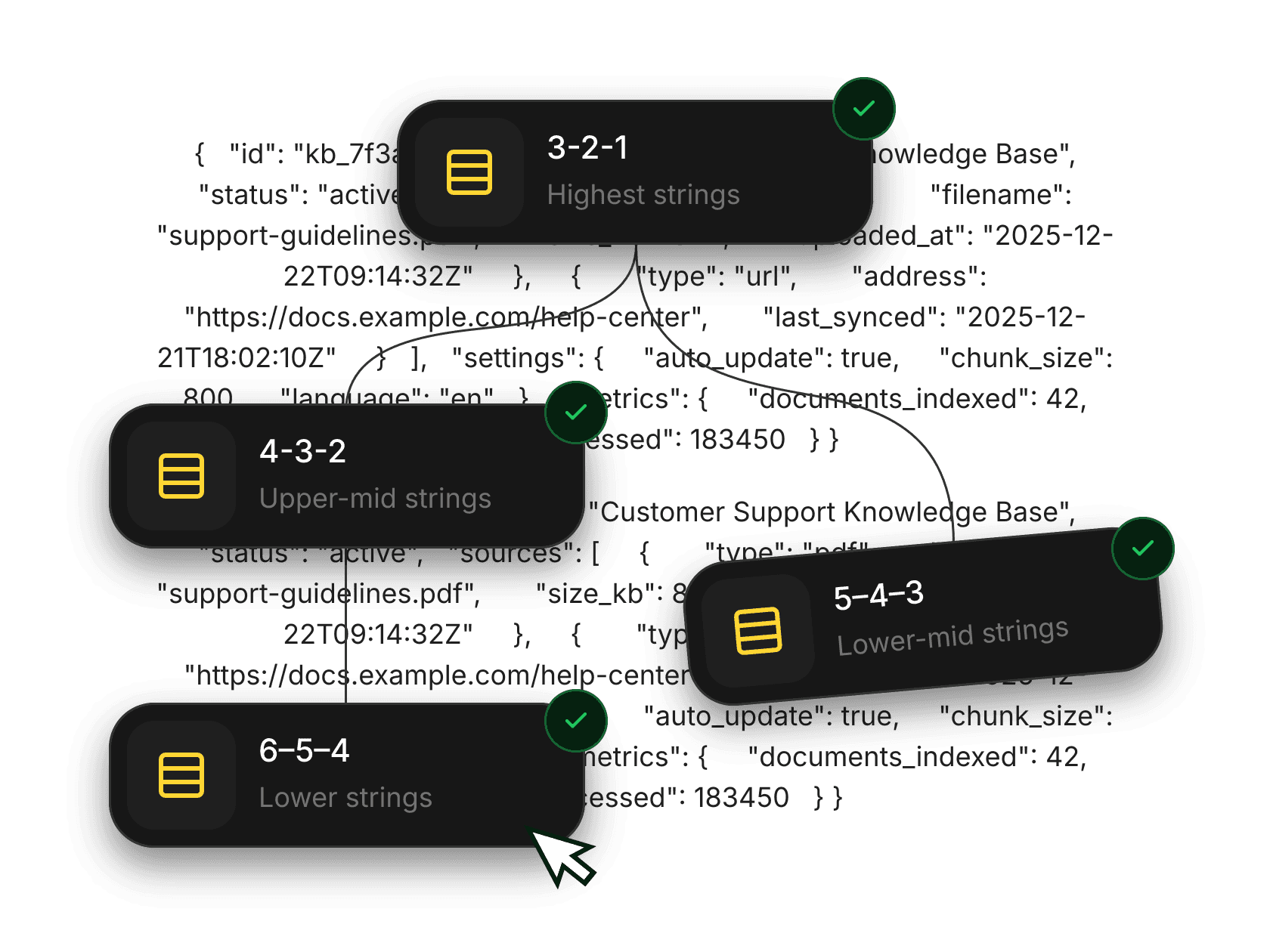
Drill on strings | 3-2-1 | 4-3-2 | 5-4-3 | 6-5-4 | Most players only know one set. This fills the blind spots across the entire fretboard.

All String Sets

Agent Link Illustration

Top strings aren't enough

Drill on strings | 3-2-1 | 4-3-2 | 5-4-3 | 6-5-4 | Most players only know one set. This fills the blind spots across the entire fretboard.

Set Your Fret Range

Upload File UI

Practice where you need it most

Lock your practice to any fret range, open position, middle neck, or up high. Stop avoiding the frets you're weak at. Set the range, drill it, move on.

Set Your Fret Range

Upload File UI

Practice where you need it most

Lock your practice to any fret range, open position, middle neck, or up high. Stop avoiding the frets you're weak at. Set the range, drill it, move on.

Metronome & Tempo

Set your BPM and build speed gradually. Stay in time, every rep.

All Qualities & Inversions

Major, minor, diminished, augmented. Root position, 1st and 2nd inversion. Nothing left out.

All Qualities & Inversions

Major, minor, diminished, augmented. Root position, 1st and 2nd inversion. Nothing left out.

12 Keys

Practice in any key. No more defaulting to C major and calling it done.

12 Keys

Practice in any key. No more defaulting to C major and calling it done.

Simple Process

Simple Process

How it works
Three Steps. No Complexity.

How it works
Three Steps. No Complexity.

How it works
Three Steps. No Complexity.

Most guitarists overcomplicate learning. Triads.app keeps it simple: pick a triad, see it on the fretboard, play it until its automatic. That's it.

01.

01.

01.

Pick a mode

Triad Mode to drill individual shapes. In Scale Mode to practice progressions in a key.

02.

02.

Set your focus

Choose your key, string set, inversions, and tempo. Practice everything or narrow it down.

02.

Set your focus

Choose your key, string set, inversions, and tempo. Practice everything or narrow it down.

03.

03.

Drill until it clicks

The metronome keeps you honest. Repeat until your fingers find the shapes without thinking.

03.

Drill until it clicks

The metronome keeps you honest. Repeat until your fingers find the shapes without thinking.

Faq

Have Questions?
We've Got Answers.

Everything you need to know before you start training. Can't find your answer? Email us at hello@triads.app

Triad Mode drills individual triad shapes in isolation pick a type, key, and inversion, then practice. In Scale Mode shows you triads that belong together in a key (I, ii, iii, IV, V, vi, vii°) so you understand how chords connect musically. Start with Triad Mode, graduate to In Scale Mode.

Faq

Have Questions?
We've Got Answers.

Everything you need to know before you start training. Can't find your answer? Email us at hello@triads.app

Triad Mode drills individual triad shapes in isolation pick a type, key, and inversion, then practice. In Scale Mode shows you triads that belong together in a key (I, ii, iii, IV, V, vi, vii°) so you understand how chords connect musically. Start with Triad Mode, graduate to In Scale Mode.

Faq

Have Questions?
We've Got Answers.

Everything you need to know before you start training. Can't find your answer? Email us at hello@triads.app

Triad Mode drills individual triad shapes in isolation pick a type, key, and inversion, then practice. In Scale Mode shows you triads that belong together in a key (I, ii, iii, IV, V, vi, vii°) so you understand how chords connect musically. Start with Triad Mode, graduate to In Scale Mode.

Stop guessing shapes.
Start Seeing the Fretboard

Stop guessing shapes.
Start Seeing the Fretboard

Stop guessing shapes.
Start Seeing the Fretboard